Stop overpaying for data you don’t use.
Choosing the right mobile data plan can feel confusing, especially with so many options available. Whether you stream, scroll, or just message, understanding your usage is key to avoiding wasted money or unexpected charges.
Unlimited data seems like the easiest route to choose – you never have to worry about using too much because there’s no limit. But is that really a wise choice for everyone?
Let us help guide you to learning more about data usage to aid you in deciding how much you really need for your mobile.
What counts as mobile data usage?
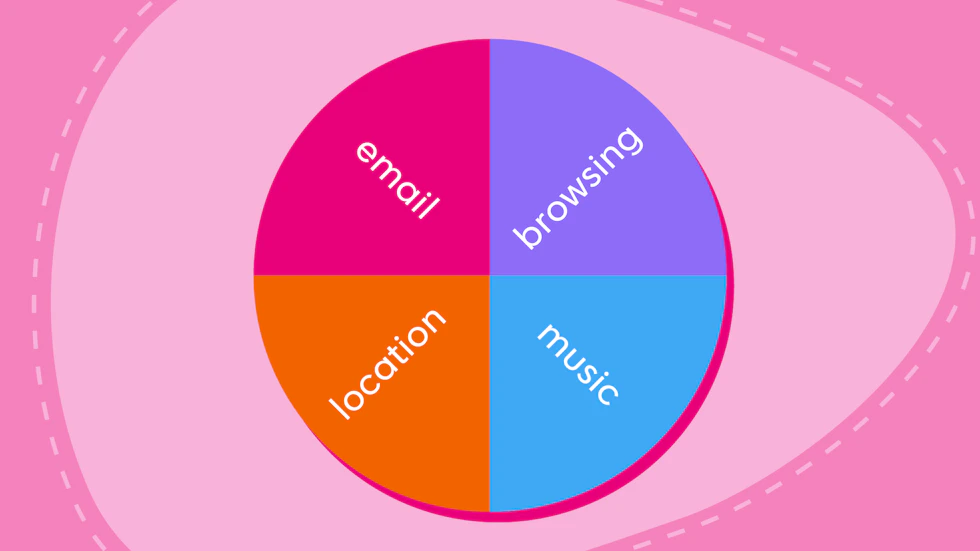
Mobile data is what your phone uses to access the internet when you’re not connected to WiFi. Almost everything you do online relies on it in some way, from checking emails to scrolling through social media.
Because it runs quietly in the background, it’s easy to underestimate just how much you’re actually using each day.
Everyday activities that use data
First you have the light usage. These are things that you are probably already aware of, but it’s not a major issue as they don’t tend to cost too much of your allowance – at least initially.
Browsing websites, checking emails and scrolling social media are examples of light everyday use. They use a relatively small amount of data, but of course this can still add up over time.
Messaging apps also apply to this. Replying to those messages on WhatsApp or iMessage or Messenger will use a small amount of data each time, so if you’re someone who’s phone is pinging constantly with messages (can’t relate), every reply is costing more data.
Couple all those minor usage activities together throughout even just one day and you’d be surprised at how much data has actually been used.
High data usage activities
Then you have the higher usage things, apps or activities that you are more than likely well aware that they’re eating up your data allowance.
Video calls, whether it be on FaceTime or Zoom if it’s a working capacity, can be costly. As can video streaming on YouTube, Netflix or even TikTok, and especially so if you choose to view the content in higher resolutions.
Even music streaming will cost data unless you’ve already downloaded your favourite playlists to your phone. Otherwise, every new track will need to be streamed to your device.
Online gaming also comes at a cost. Traditional online gaming isn’t terrible. The data being transferred is minimal, often under 100MB per hour. This can still add up, though.
However, if you opt for cloud gaming platforms, you’d be in trouble. While it might be billed as the future of gaming, cloud gaming is essentially Netflix but interactive. It’s basically streaming your game to your device as a live video, which means it can use several gigabytes an hour, depending on quality and resolution.
Background data you might not notice
There’s even features that go on behind the scenes that you might not even realise are happening until you find out they’ve used up the last remaining MBs of data.
Cloud backups and location services as prime examples of this, but you’ll even find that apps continue to use data in the background for updates and syncing.
Like the everyday usage apps, these don’t cost a whole lot. But again, they add up, and especially being in the background, it’s very easy to miss them and have them slip through, eating away at your data until there’s nothing left.
How much data do common activities use?
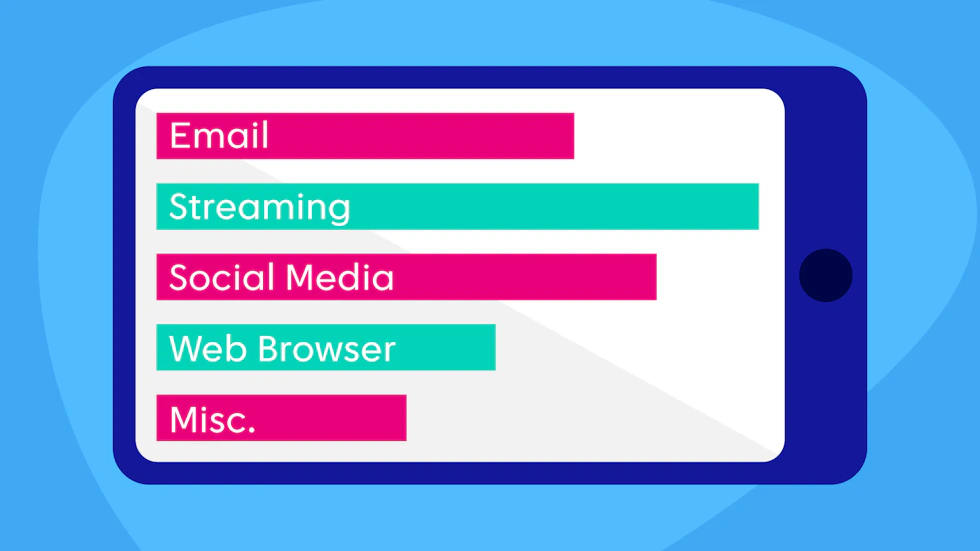
It’s not enough to only have an idea of what apps and activities use up your data, and we certainly wouldn’t be doing you a justice if we didn’t give you some guidance as to some answers.
Video streaming was mentioned but it should really be highlighted as there isn’t much – or even anything in extreme cases – that eats up more data.
Streaming on platforms like Netflix or YouTube can use around 1GB per hour in standard definition, increasing to around 3GB per hour in HD, and up to 7GB per hour or more in 4K. That means just a few hours of streaming can quickly eat through a smaller data plan.
Music streaming is much lighter in comparison, but still adds up over time. Apps like Spotify typically use between 40MB and 150MB per hour, depending on audio quality. This makes it easy to listen on the go without draining your data too quickly, although daily listening can still total a few gigabytes across the month.
Social media sits somewhere in between, largely because of video content. Scrolling through TikTok or Instagram for an hour can use anywhere from 300MB to over 1GB, depending on how many videos you watch and the quality they load in.
Even general browsing and sending emails, while relatively low usage at roughly 50–100MB per hour, can gradually build up if you’re frequently online throughout the day.
Example monthly usage scenarios
Looking at hourly usage is helpful, but your monthly habits are what really determine the right plan. Most users tend to fall into one of three broad categories.
Light users, typically using between 1GB and 5GB per month, mainly rely on WiFi and use mobile data for occasional browsing, messaging, and checking emails. This type of user rarely streams video on mobile networks and generally doesn’t need a large allowance.
Moderate users usually fall in the 10GB to 30GB range. This includes regular social media use, music streaming, and some video streaming while out and about. If you spend a lot of time commuting or away from WiFi, this is where you’re most likely to sit.
Heavy users, often needing 50GB or more, regularly stream video, make video calls, game online, use their phone as a hotspot for other devices or find themselves out and about with no WiFi regularly. For these users, a smaller plan can run out quickly, making higher allowances or unlimited data better value in the long run.
How to estimate how much data you need
Once you understand how data is used, the next step is working out how much you personally need. The easiest way to do this is by looking at your current habits rather than guessing – because even small differences in how you use your phone can have a big impact on your monthly usage.
Check your current usage
A good starting point is to check how much data you’re already using each month. Both iPhone and Android devices track this automatically, and most network providers also offer apps that break your usage down clearly.
It’s worth looking at a few months rather than just one, as your usage can vary. This gives you a more accurate average and helps you avoid choosing a plan that’s either too small or unnecessarily large.
Consider your lifestyle
Your day-to-day routine plays a big role in how much data you need. If you’re mostly connected to WiFi at home or work, your mobile data usage is likely to be fairly low. On the other hand, if you commute regularly, travel often, or spend long periods away from WiFi, you’ll probably rely much more on mobile data.
It’s also worth thinking about how you use your phone when you’re out. Streaming music or scrolling social media occasionally won’t use huge amounts, but regularly watching videos or using your phone as a hotspot can significantly increase your data needs.
Watch out for data spikes
Even if your usage is usually consistent, there are times when it can suddenly increase. Travelling, working remotely, or simply spending more time streaming on mobile data can all lead to higher usage than normal.
That’s why it’s a good idea to leave a bit of buffer in your plan. Choosing a slightly higher allowance than your average usage can help you avoid running out of data or facing unexpected charges when your habits change.
Tips to reduce mobile data usage
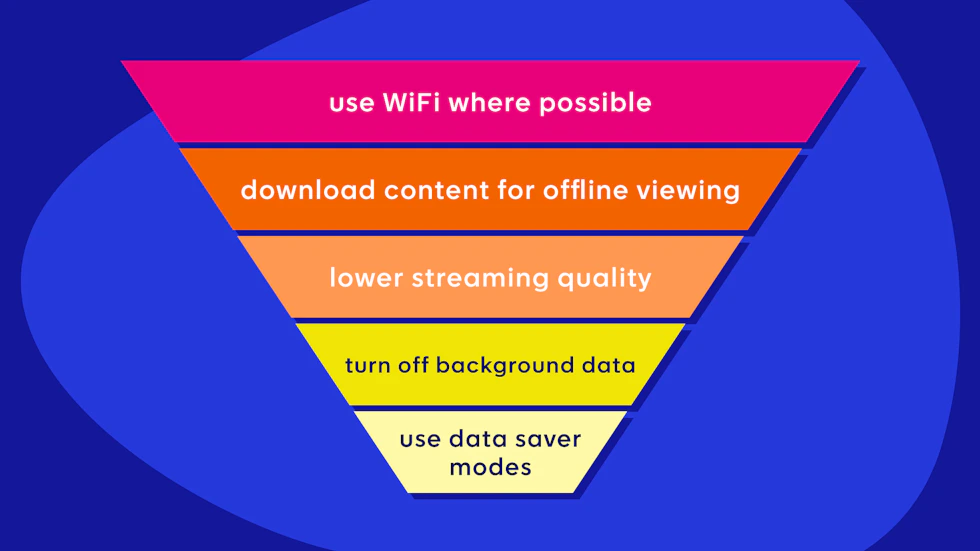
Even if you’ve got a good idea of how much data you need, it’s always worth making sure you’re not using more than necessary.
A few small changes can go a long way in helping your allowance last longer – especially if you’re trying to stick to a lower-cost plan.
There are two super easy ways of reducing usage: relying on WiFi, and downloading content.
The two go hand-in-hand in a way. If you’re a big music listener, make sure to download all your favourite playlists for use when you’re on the go. And when you are out and don’t have your home WiFi available, try look for a local WiFi hotspot.
WiFi hotspots sometimes come with risks, but that’s where you should look into and take advantage of the safety of a VPN.
If you do find yourself wanting to watch content while not on WiFi, you should consider reviewing the streaming settings, as this can make a big difference too.
Many apps default to higher quality, which uses more data. Lowering video or audio quality slightly is often unnoticeable, but can significantly reduce how much data you use over time.
Manage apps and settings
A lot of data usage happens in the background, so it’s worth taking control of your phone’s settings. Disabling background data for apps you don’t need constantly updating – like social media or shopping apps – can help prevent unnecessary usage.
You can also turn off automatic app updates on mobile data and switch on built-in data saver modes, which are available on both iPhone and Android devices. These features are designed to limit background activity and reduce how much data your phone uses without affecting your day-to-day experience too much.